GTA VI
Leonida
The interfaces
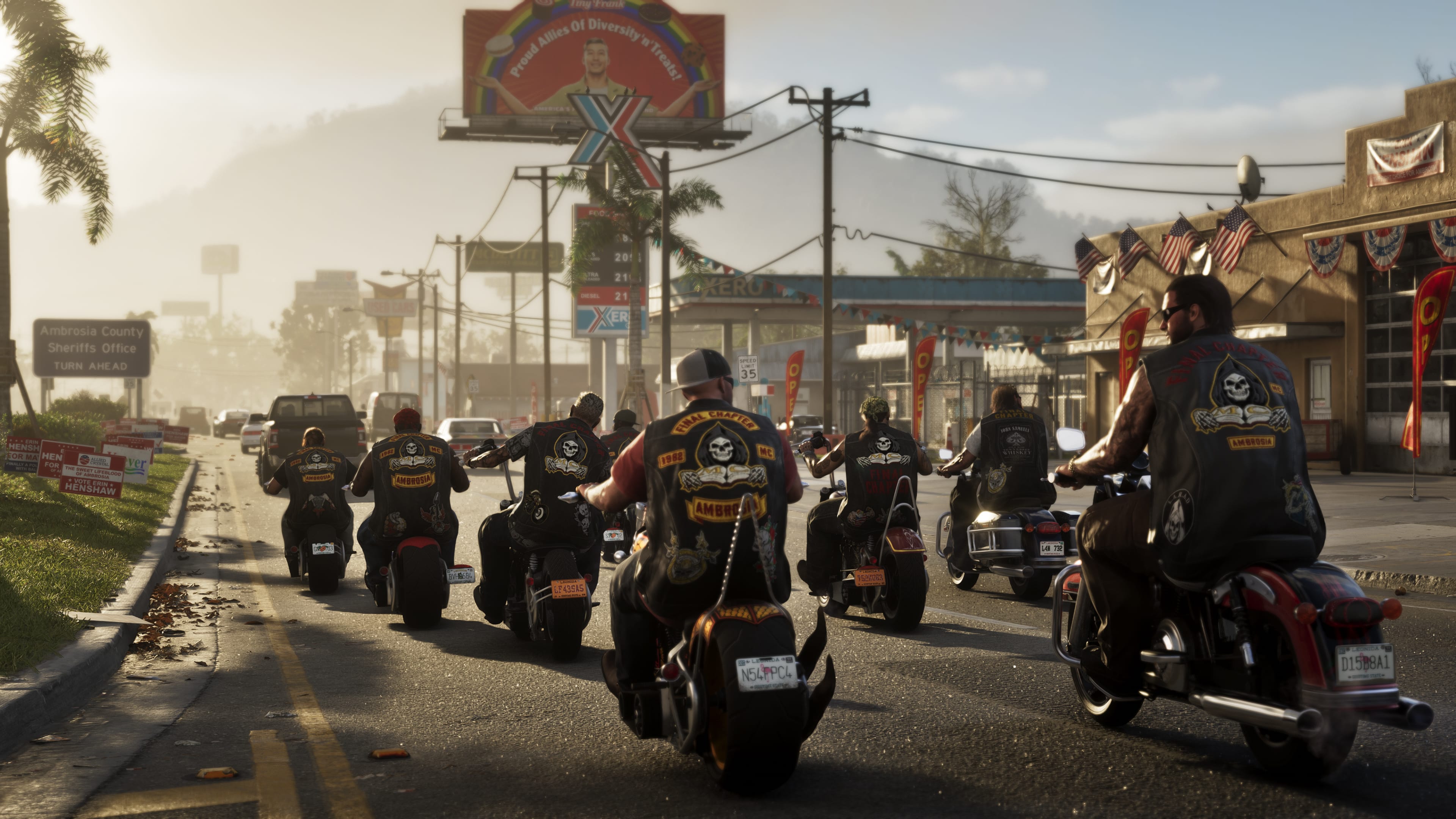
One night
- 01Pick a face
The character screen, or hold B and switch without logging the whole client out.
- 02Open the board
F6 is the frequency. Three lanes, notes from the city, and the tier Leonida currently has you at.
- 03Get on a lane
A shift paycheck is what moves your name. Heat and the vibe are the rest of the night, on the same board.
- 04Stay in one UI
HUD, pause grid, radio wheel, phone and customs already share the night. You are not learning a new menu per script.
Characters
Faces
The character screen from the server, in its own interface.
Hold B
Switch
The strip the game draws when you change face.
One face
Vice HUD
Status, money, stars, the car plate and the prompt. The script’s own page.
Esc
Pause grid
Map, brief, stats, settings, players, report. The pause menu’s own pictures.
F6
Frequency
Leonida. Three lanes, and the tier the board already knows.
On air
Radio wheel
The wheel from the radio script, tuned to this city’s frequencies.
In the car
Hologram speed
The speedometer the car projects, opened on the script’s demo.
Who is here
Scoreboard
The board’s own layout, including the names it uses outside the game.
The bay
Customs
Pro builds, paint, wheels, lights and nitrous, in the shop’s own menu.
The phone
Street Kings
Profile, races and the leaderboard.
The court
Hoops
The score line the court draws while a game is on.
The rest of the night
HUD options
Hold V. The switches for the other VI pieces live in one list.
qbcore_vi_extrasBuckMe
LB Phone is on this build. The wallet app is BuckMe: card, pay, history.
lb-phoneBinoculars
Zoom and the lens mask, drawn by the Vice HUD when it is running.
qbcore_vi_binocularsCrash cam
A hard hit cuts to a roadside camera and plays out slow.
qbcore_vi_crashcamPolice
The department. Wanted stars and the directional glow sit on the Vice HUD, not a second plugin.
qbx_policeMedical
Downed players go through medical, then the wasted screen if the night ends there.
qbx_ambulancejobWasted / Busted
Slow motion, the camera pulls back, and the word lands.
qbcore_vi_wastedBanks, stores, houses, jewels, trucks
The Qbox robbery set. Heat on the channel is where the city hears it.
qbx_*robberyProduct
Drugs and weed are on this build. Pawn is where some of it comes back as cash.
qbx_drugs
What sits underneath
Qbox, ox_lib, ox_inventory and oxmysql. The VI layer is the face. The jobs are the Qbox set, wired into the same night.
This is a FiveM roleplay server with a VI-inspired interface. It is not Grand Theft Auto VI. QBCore Store is not affiliated with Rockstar Games or Take-Two Interactive.